
Credential and session protection
Login Safety Checks for FUN88-Related Pages
This guide explains copied forms, password theft, OTP abuse and device-session risks. It provides no real login link and cannot recover or support a FUN88 account.
How a fake login page is structured
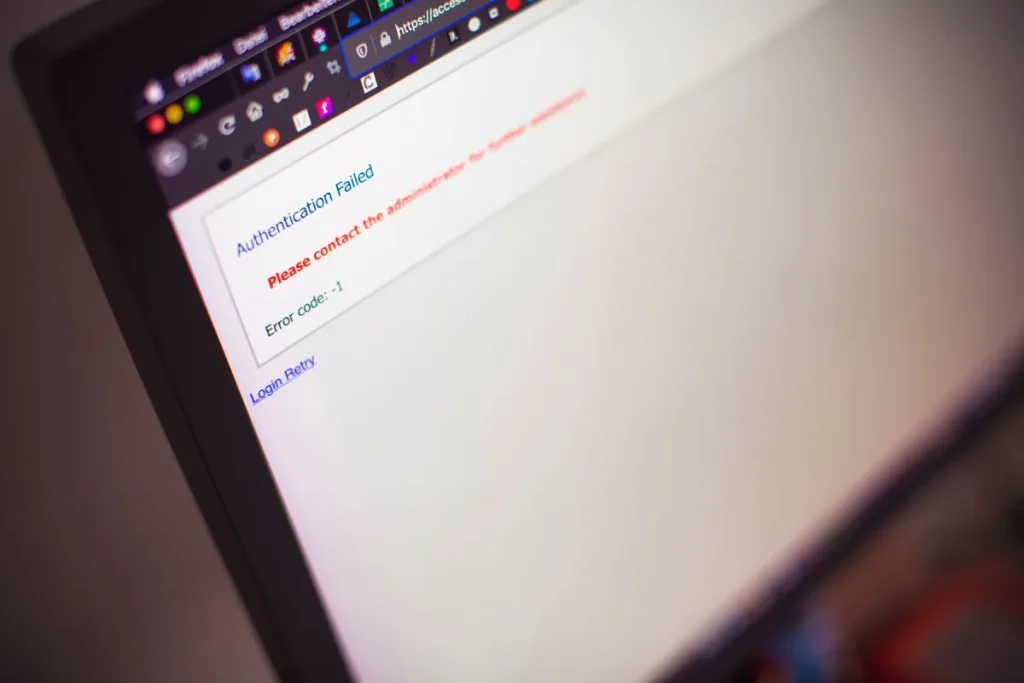
A phishing page can reproduce colours, headings and a familiar logo while changing the destination of the form. Some versions collect a password directly. Others relay the first attempt to a real service, then request the OTP that arrives, allowing the attacker to complete a session in real time. A convincing appearance therefore cannot replace hostname verification.
| Page element | Risk signal | Safer response |
|---|---|---|
| Address bar | Added words, changed ending or unfamiliar hostname | Stop and inspect the entire domain. |
| Password form | Unexpected request after an email or chat link | Do not submit; navigate independently. |
| OTP field | The sender asks you to reveal or repeat the code | Keep it private and end the contact. |
| Support chat | Pressure to install remote-control software | Refuse and contact the provider separately. |
Passwords, OTPs and sessions
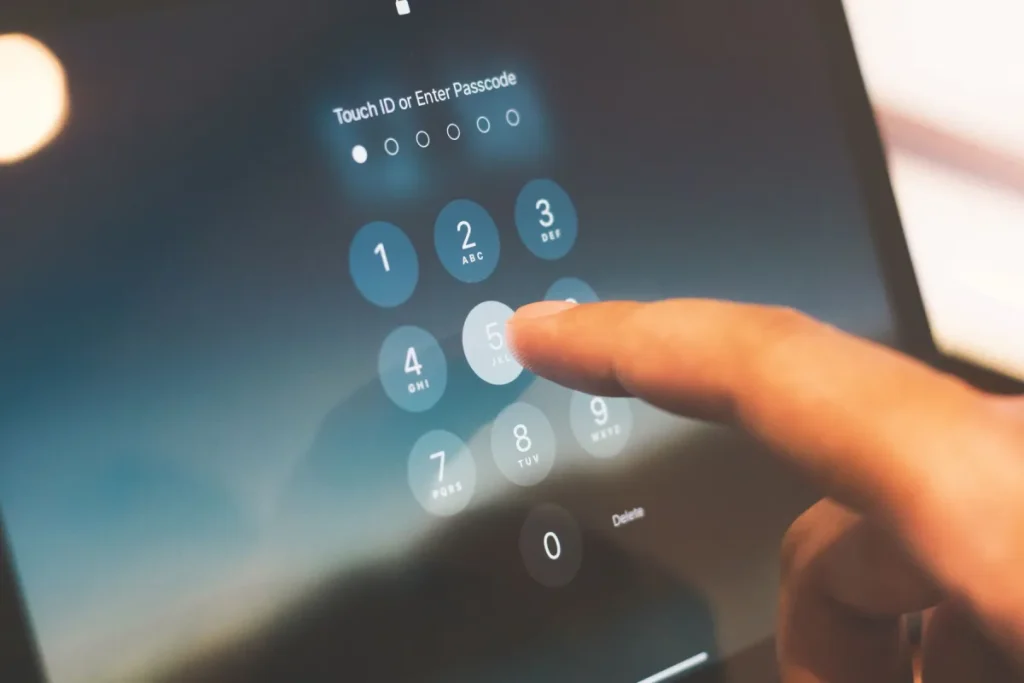
Use a unique, long password and store it in a reputable password manager. A password manager’s refusal to fill on an unfamiliar hostname can be a useful warning, though it is not a substitute for checking the address. Secure the email account used for recovery because control of email can enable resets elsewhere.
An OTP is not routine information to share with a caller. Read the message around the code: it may identify a login, device link or transaction. Review active sessions after any suspicious prompt, end sessions you do not recognise and remove unknown recovery methods.
Public and shared-device checklist
- Prefer a personal, updated deviceAvoid sensitive access on kiosks, hotel computers or borrowed phones.
- Check browser extensionsUnknown extensions can read page content or redirect traffic.
- Do not save credentialsDecline browser prompts to save passwords on devices you do not exclusively control.
- Sign out and close the browserEnding a session reduces risk, but cannot remove malware or keylogging risk.
- Clear downloaded filesRemove statements or documents that may contain personal information.
- Review the account laterOn a trusted device, inspect recent security events and active sessions.
Account-takeover response order
Act from a clean device. First secure the email account used for recovery, then change the affected password and any reused passwords. End other sessions, remove unknown recovery methods and enable an appropriate second factor. Check bank, card and UPI activity where financial information may have been exposed. Contact the relevant provider through independently located details and keep a timeline of alerts, messages and actions.
Do not continue negotiating with the suspected attacker, pay an “unlock” fee or give remote screen access. This website cannot identify an account, reset credentials or contact FUN88 on a reader’s behalf.
Recovery email is part of the security boundary
An attacker who controls the email address used for password recovery may be able to reset other accounts even after one password is changed. Review forwarding rules, recovery phone numbers, app passwords and signed-in devices. Remove anything unfamiliar before relying on a reset. Where a service supports it, prefer an authentication method resistant to message interception and keep recovery codes offline. Never send a recovery code to an editorial mailbox or a person claiming to be support.
Session theft can bypass a password change
Some attacks capture an active session token rather than only a password. That is why “sign out of other devices” or an equivalent session-revocation control matters after phishing. Clear suspicious browser extensions, remove unknown connected applications and review security-event timestamps. If the device may contain remote-control software or an information stealer, make the first changes from another trusted device and obtain competent technical help before returning to financial activity.
Separate account recovery from payment recovery
Securing a login does not automatically dispute a card or UPI transaction. Contact each affected provider through its own independently verified route, keep complaint references and explain the event sequence accurately. Do not pay a person who promises to “recover” an account or balance for an advance fee. This site cannot see an operator account, establish who logged in or validate a support representative; its role ends at general safety guidance.
Frequently asked questions
No. This independent site has no operator login, does not accept account credentials and does not link to an external gambling login.
No. It shows encryption to the displayed hostname. The hostname and the publisher still need independent verification.
A password should never be shared. An unsolicited request for an OTP is a serious warning because the code may authorise access or a transaction.
Change it on every affected account, beginning with email and financial services. Use unique passwords and review recovery details and active sessions.
It can retain sessions, copied text, downloads or malicious extensions. Avoid sensitive access where possible and never save a password on a shared device.
Keep the suspicious URL, messages, time of events, security alerts and transaction references, but do not email passwords, OTPs or full payment credentials.